The FØRM Suite
Eight audio effects for shaping tone, dynamics, space and movement. Try the FØRM Suite free inside T8PE, the eight-track browser studio.
The downloadable plugin suite is in development. This site does not currently offer a public native-plugin download or purchase.
Try the suite in T8PEWhat is included?
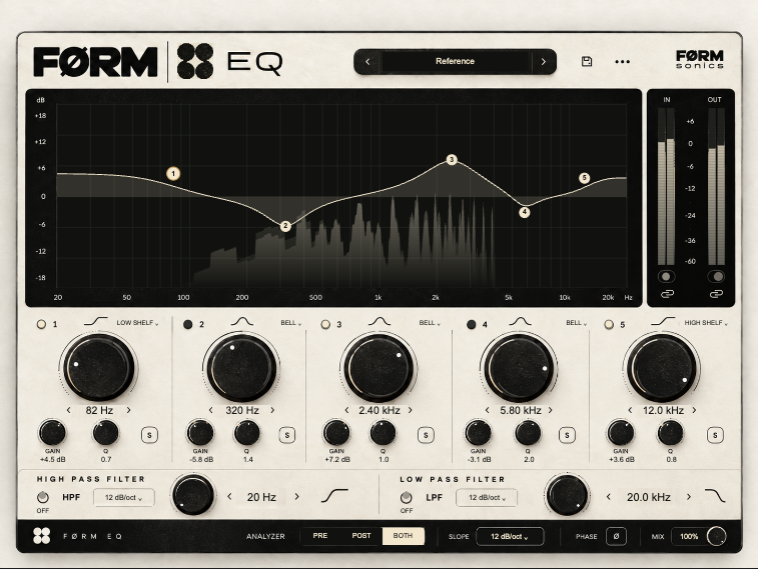
FØRM EQ
equalizer
Shape the frequency balance of a sound. Reduce unnecessary low end, ease a harsh region or bring a part forward.
Start with a small change and compare at a similar listening level. More treble is not always more clarity.
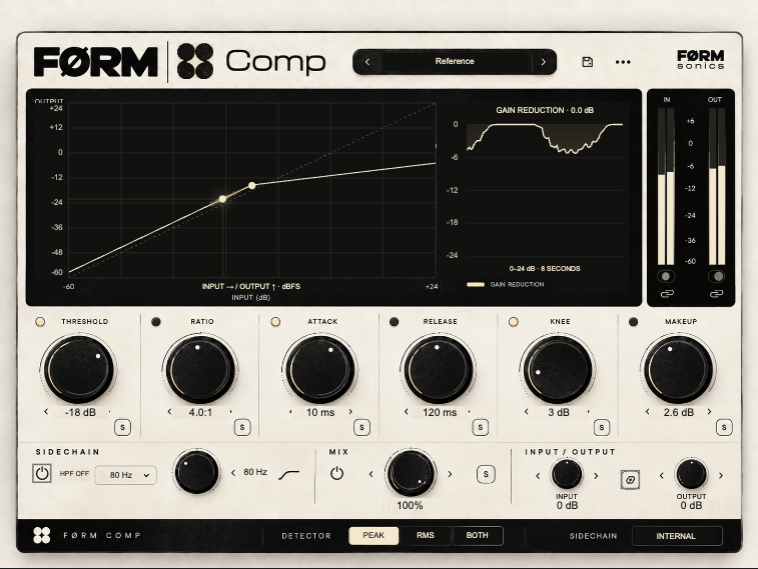
FØRM Comp
compressor
Control changes in level to make a performance more consistent or change how its attack feels.
Listen to the start and sustain of each note. Match the output level when comparing compression with the untreated sound.
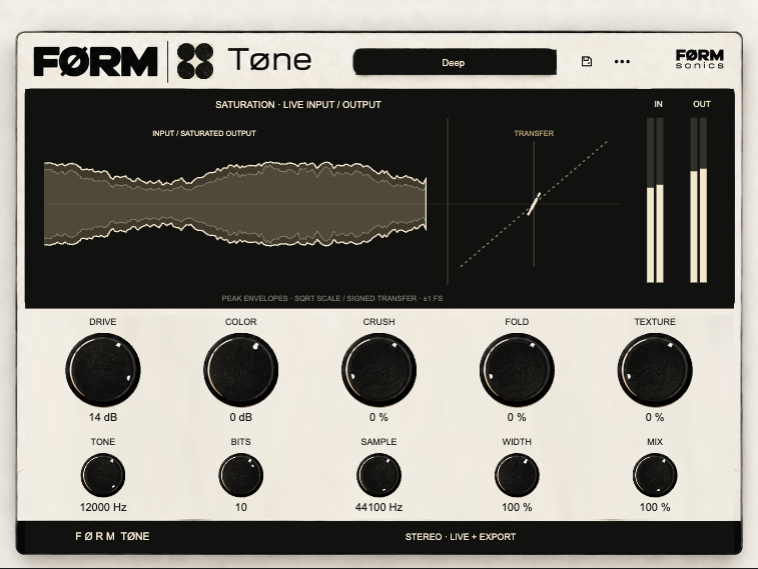
FØRM Tone
tone shaping
Add character and change the tonal feel of a source. Use it when a part needs a different texture rather than simply more volume.
Make one adjustment at a time. Compare in the full mix, where added character can be more useful than a dramatic solo sound.
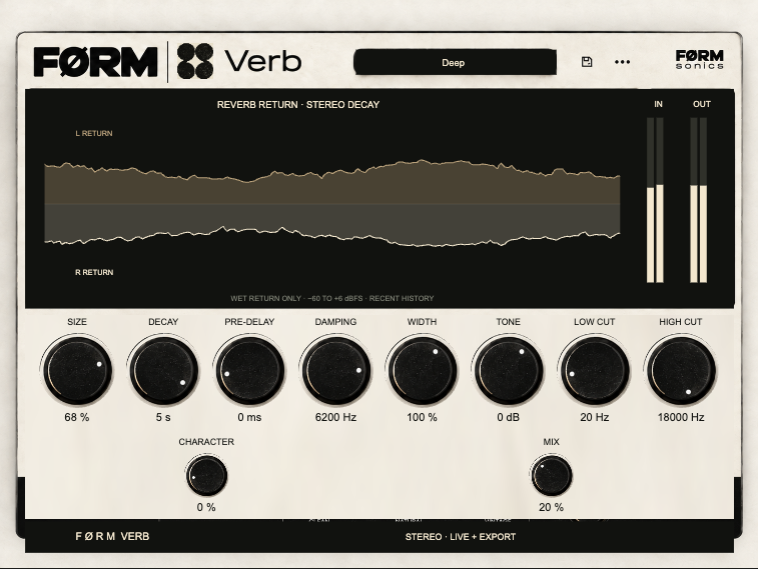
FØRM Verb
reverb
Place sounds in a sense of space and add a decaying tail. Shorter ambience can add depth; longer tails can become part of the arrangement.
Leave room for the next note. A long reverb can blur a fast pattern, so compare the wet sound against the rhythm.
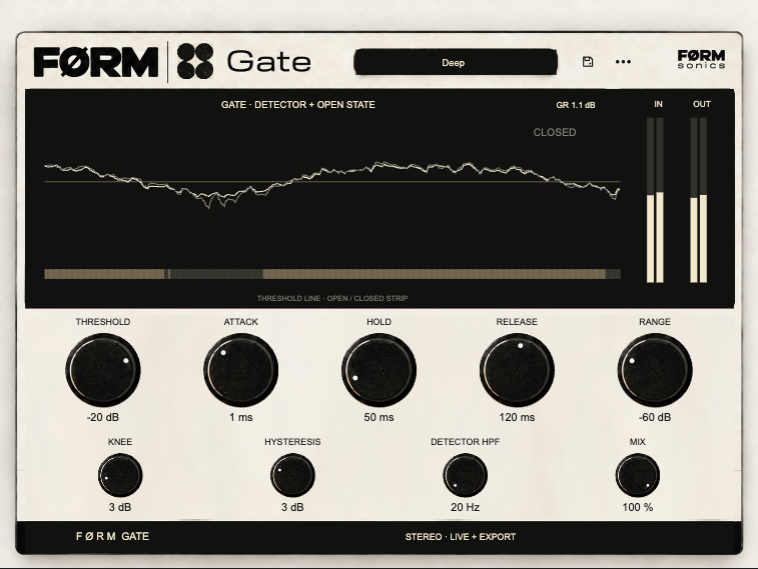
FØRM Gate
noise gate
Reduce low-level sound between louder events. A gate can tighten gaps in a rhythmic part, but it cannot remove noise underneath a note.
Check quiet notes as well as loud ones. An aggressive setting can cut off wanted detail or natural decays.
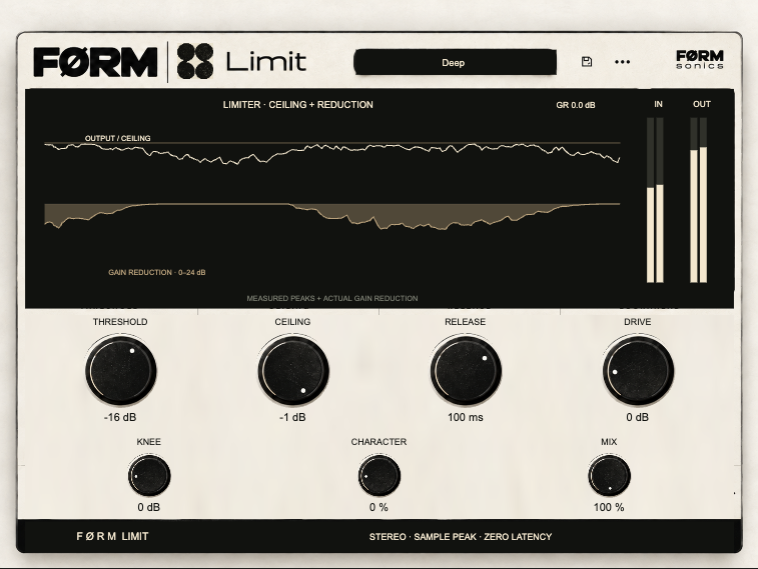
FØRM Limit
limiter
Restrain peaks when a signal needs a firmer ceiling. Limiting changes dynamics and is not a substitute for balancing tracks.
Listen for flattened transients or distortion. Lower the level feeding the limiter if it is working too hard.
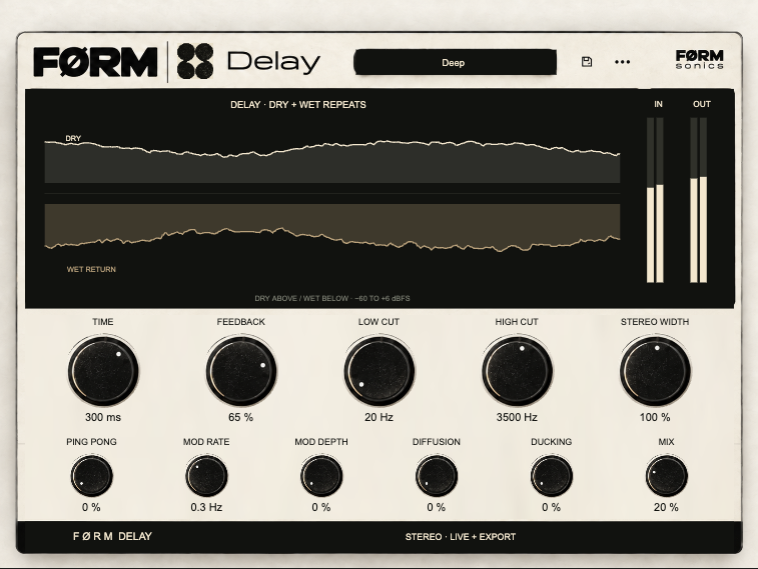
FØRM Delay
delay
Repeat a sound after a time interval. Use subtle repeats for depth or more audible echoes as a rhythmic response.
Set the repeat timing against the groove, then reduce the repeat level until it supports the original part.
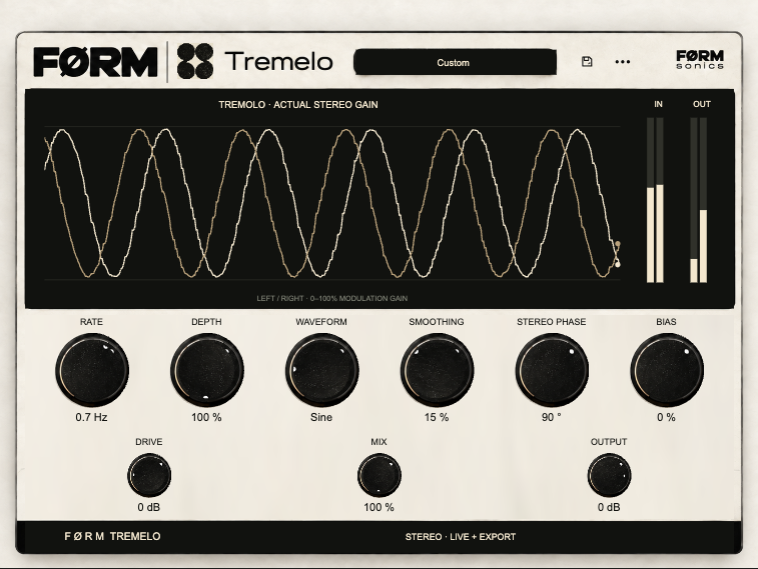
FØRM Tremelo
tremolo
Create movement through repeating level modulation. It can add a gentle pulse or make a sustained sound feel rhythmic.
Compare the modulation rate with the song tempo. Less depth can preserve a steady foreground while still adding movement.
Where should I start?
Open T8PE, choose a track and explore its effects. Begin with the sound in the mix: use EQ for frequency balance, Comp for level variation, and Verb or Delay for space. Use small changes and compare the processed sound with the original at similar volume.
Are these the same as browser instruments?
No. The suite processes sound. Surreal and DR-16 are playable instruments that make sound. Their browser previews are separate from a native plugin running inside a desktop DAW.